Embed App Components
Available for plans: Standard - Free, Standard, Premium, Enterprise and Ultimate. |
| A CRM Analytics license is required to view and access CRM Analytics assets in Unified Analytics. |
Tabs
Package Usage Overview & Subscriber Overview
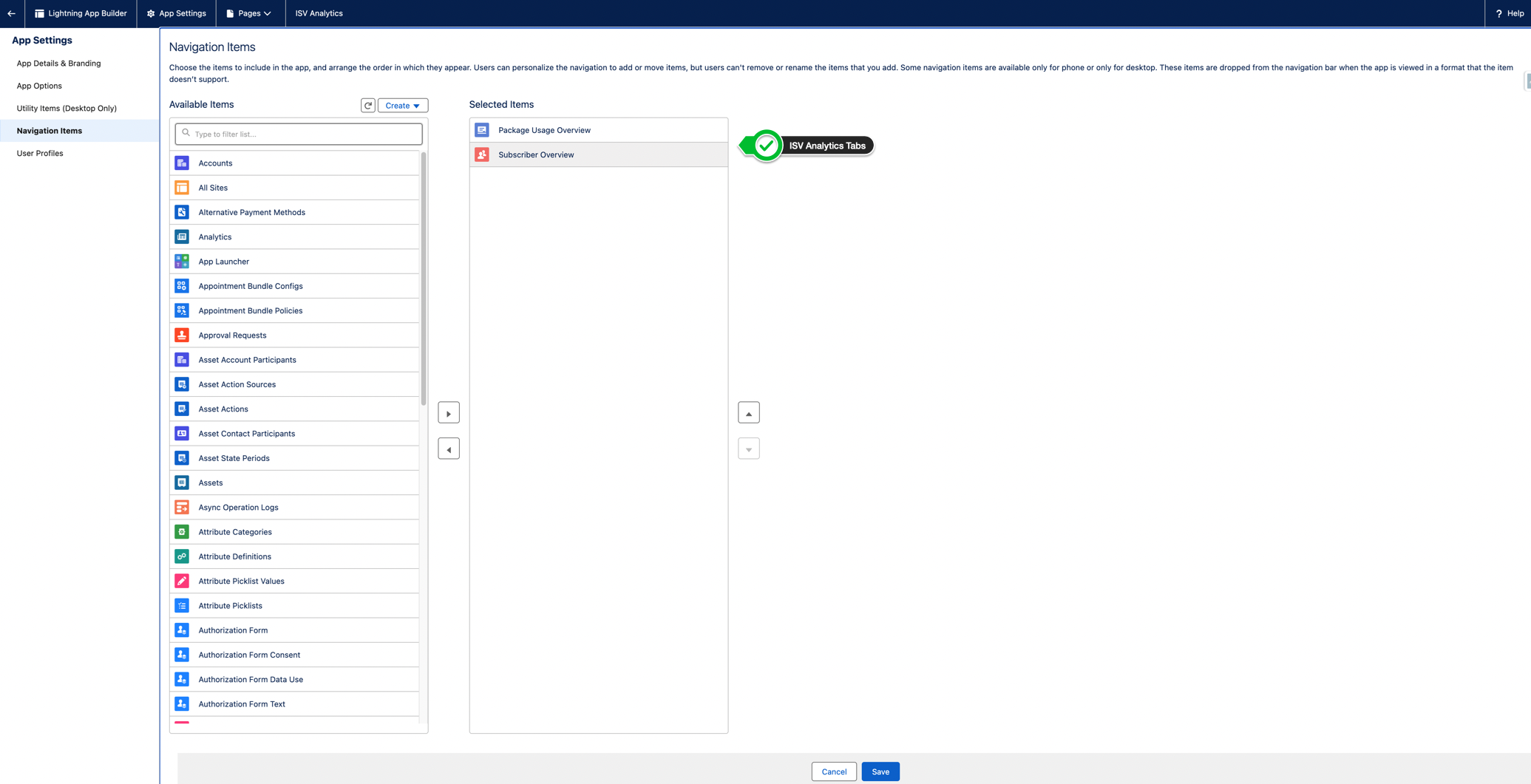
To add ISV Analytics Tabs to your application follow steps below:
- From
Setup>App Manager, createNew Lightning Appor select existing one. - On the
Navigation Itemspage, selectPackage Usage Overview/Subscriber OverviewLightning tab from the Available Items list and move it to the Selected Items list.
- Click the
Savebutton.
Dashboards
Follow below steps to add dashboards to your own customized app and record pages.
Package Usage Overview & Subscriber Overview
- From
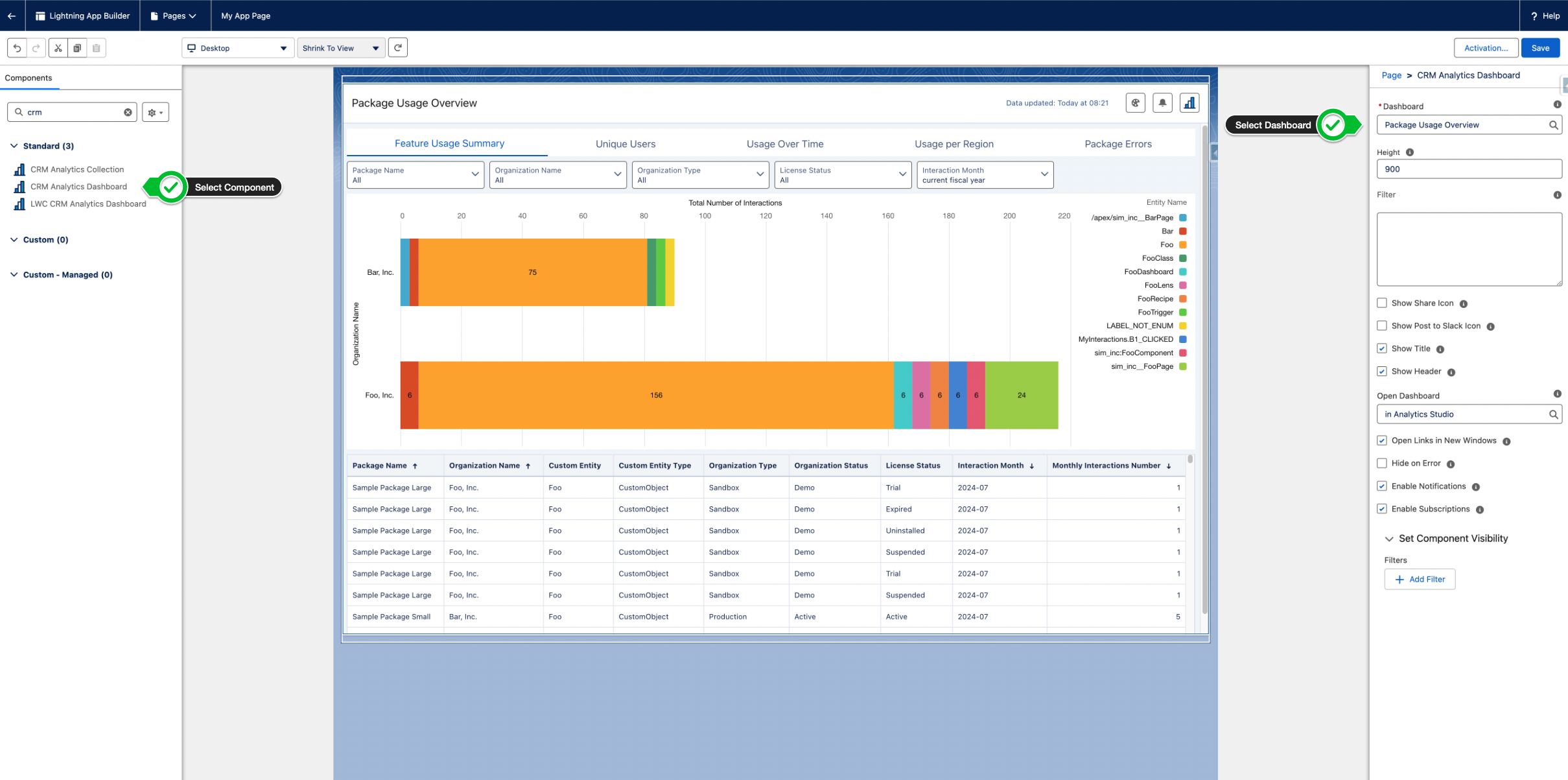
Setup, enterApp Builderin theQuick Findbox, then selectLightning App Builder. - Click
Newto create new Lightning Page or clickEditnext to the page you would like to change. - Drag the
CRM Analytics Dashboardcomponent. - Select
Package Usage OvervieworSubscriber Overview.
Customer Summary
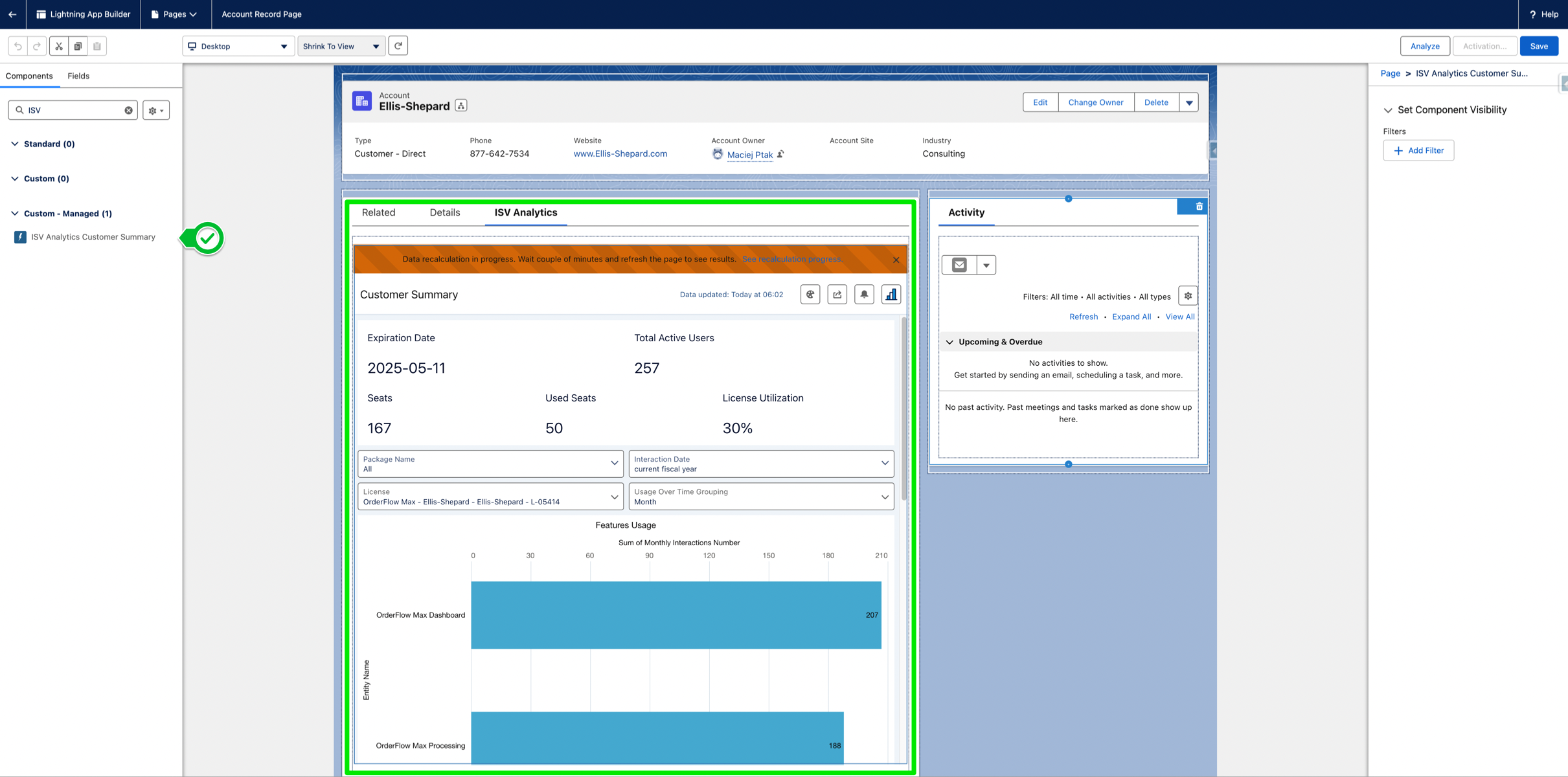
Add ISV Analytics Customer Summary to see the customer summary on your own customized Lead and Account record pages.
- From
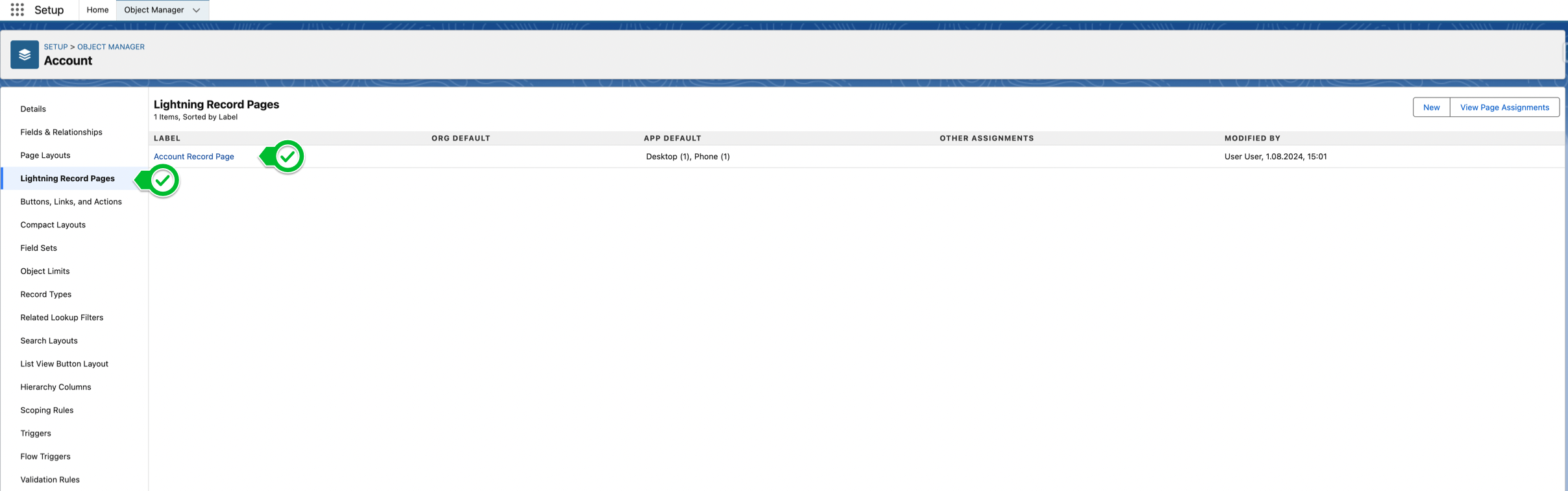
Setup, enterObject Managerin theQuick Findbox, then selectObject Manager. - Open
AccountorLeadobject. - Go to
Lightning Record Pagestab on the left side. - Choose record page you would like to change or create a new one.
- Click
Edit. - In Lightning App Builder type
ISVin Search... and selectISV Analytics Customer Summary. - Drag & drop
ISV Analytics Customer Summaryon record page.